

So you've decided that digital printing is the best way to expand your capabilities and grow your business. Traditional printing methods don't have the flexibility you need to quickly adapt to customer needs and digital print technology just offers more freedom.
Now you need to decide which type of digital printer you should buy. With all the options available, it can be tough to know which print solution best suits your business. Here are a few questions you can ask yourself to help narrow down your decision.
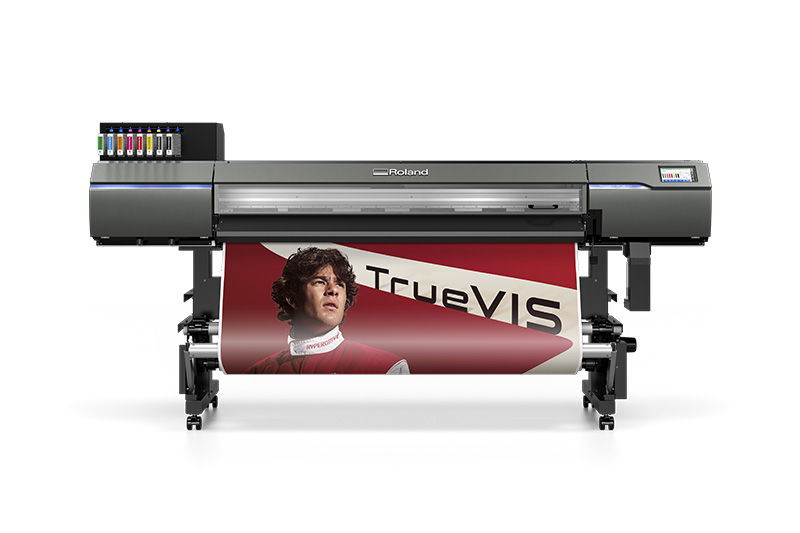
Which Format is Best?
First, identify the ideal format of the hardware. These fall into two broad categories:
ROLL-TO-ROLL PRINTING
If you intend to print onto rolls of media like vinyl, paper or heat-transfer material, roll-to-roll printing is probably the best option.
- Typically used for graphics like signs, banners and stickers.
- A small footprint means the devices take up less space,
- It's possible to have integrated cutting functionality.
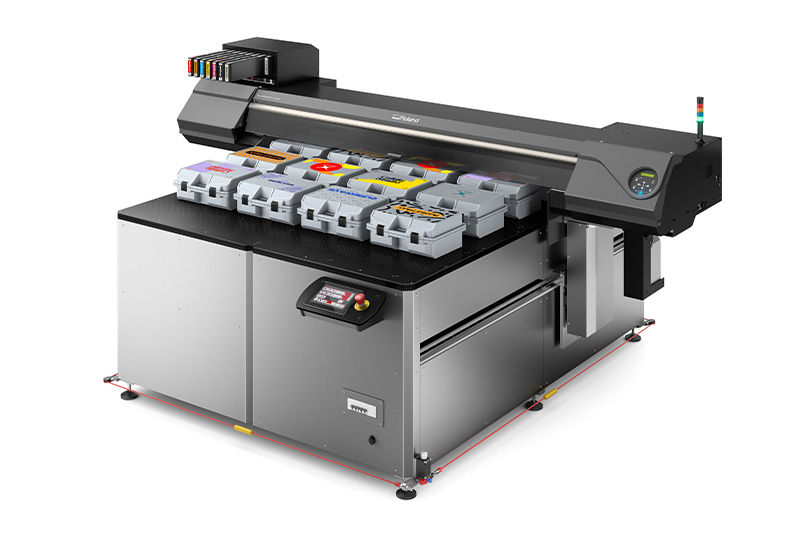
FLATBED PRINTING
If you want to print onto solid objects or rigid materials, flatbed printing is the ideal solution.
- UV ink is the most popular technology for flatbed printers.
- You can print directly to boards and speed up production.
- It is a popular choice for personalization and object customization.
Which Ink Technology Do You Need?
The type of ink you decide to use will have a big impact on the types of products you can make. Look at the capabilities of the ink type (for example, UV, eco-solvent, latex) and the colors of ink that can be included in the ink configuration to get the best mix for the jobs you intend to do.
- CMYK is the standard color-set of ink used by most print devices.
- Additional colors can improve image quality and color accuracy.
- White ink is recommended for printing on transparent or dark materials.
- Other special inks like gloss ink can generate interesting effects.
Do You Need Cutting Functionality?
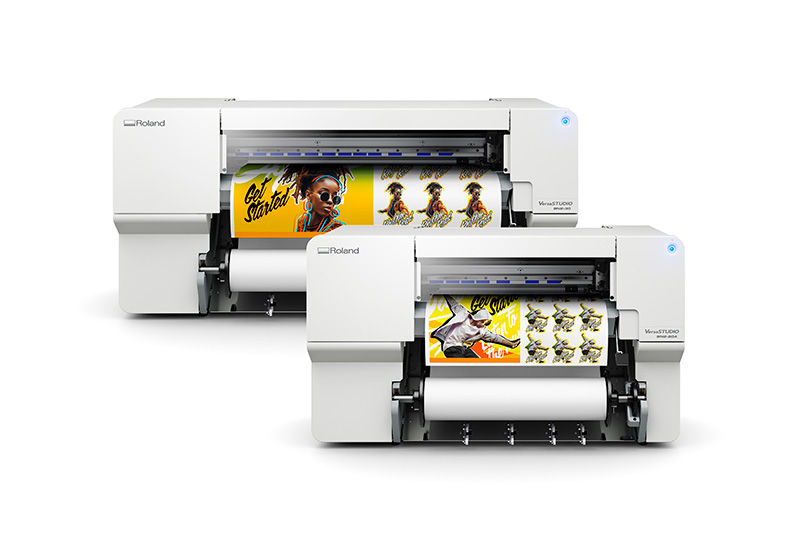
If you're planning to make die-cut stickers, contour-cut signs or any other cut graphics, you will need some form of cutting capability in your workflow. A printer/cutter is a good solution as it lets you perform both printing and cutting in the same device. With the help of registration marks, you can also transfer a print to a separate cutter. Both methods have their own advantages. The option you choose depends on the workflow you intend to use.
How About Texture?
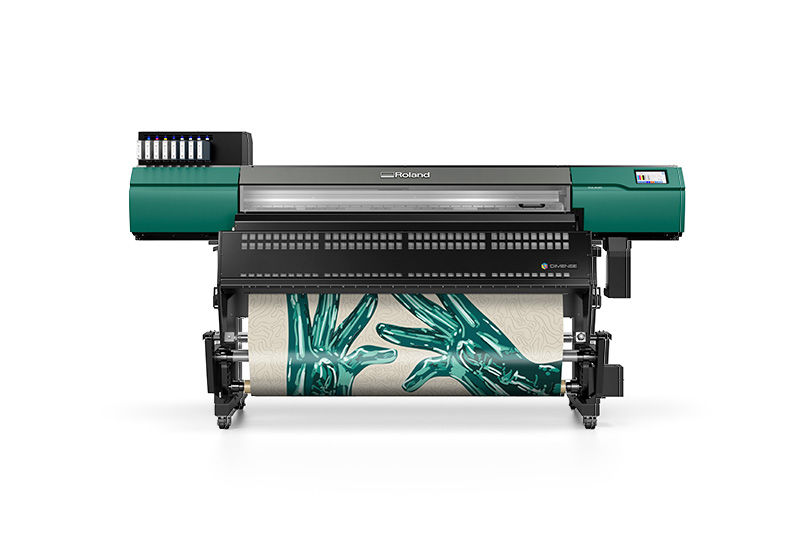
There are several ways to incorporate texture into your digital printing projects. UV printing can add layers of ink to simulate embossing and other specialized textures, typically requiring several passes to do so. Or you can opt for a dimensional surface printer from Roland DG's DIMENSE series. These advanced printers enable users to control the media's surface structure through specialized media, ink, and heat, printing CMYK color and custom texture in one pass, or printing textured wallcoverings that can then be painted. In addition, DIMENSE uses PVC-free media and low-odor, water-based inks.
Do You Need Take-up Functionality?
Printing Speed or Quality?
What Size Printer Do You Need?
This largely depends on the size of your business but in most instances, it's an important part of choosing the right solution. Two factors that can really impact this decision are your working space and workflow:
WORKING SPACE
PRINT WORKFLOW

What Software is Included?
- Drivers are required to let your computer connect to your device.
- The RIP (Raster Image Processor) converts digital graphics into a format your printer can interpret.
- Plug-ins help integrate your RIP with your computer's operating system and your graphic design package.
- Printer analytics software helps you monitor your ink usage and other stats to get the most efficient and cost-effective result.
Is it a Good Long-term Investment?
Unplanned downtime can have a dramatic domino effect on your reputation and your profitability. It can be tempting to achieve short-term savings by buying inexpensive devices, but this is a decision that many business owners regret in the long run. Even with trusted manufacturers, wear and tear is typical with regular, intense use. It helps to know that your manufacturer can quickly send out an engineer to get your business back on track. Compare your options and see what level of aftersales service are on offer.
Still Unsure?
If you still need help choosing the best digital print solution for your needs, get in touch with an expert at Roland DGA. No matter how unusual or unique your business is, we have the expertise to find the answer to your printing needs.
Talk to an Expert