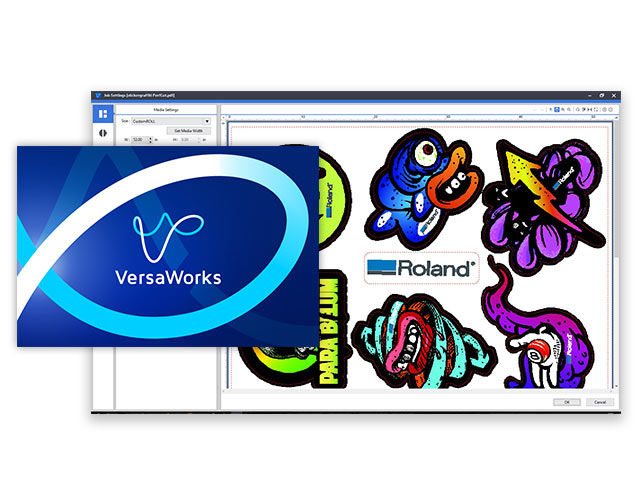
VersaWorks 6 Software | Roland DGA
Important Announcement Temporary Service Notice: Drivers and Downloads — Our Download Center is undergoing system maintenance, but drivers, firmware, software, and manuals are still available for download.

Temporary Service Notice: Drivers and Downloads

We are currently performing system maintenance on our Download Center to ensure the continued security and reliability of our online services. During this time, drivers, firmware, software, and manuals are still available through a temporary download page.

To find what you need, open the Download Center and follow the link to the temporary download page.

If you can’t find what you need there, please enter your serial number below to open a support case. Our support team will be happy to help.

We anticipate full service will be restored by Monday, November 2, 2026. However, the maintenance period may be extended if additional work is required.

We apologize for any inconvenience and appreciate your patience and understanding.

Roland DGA Customer Support Team

Technical Support for
Search Versaworks6 Documents & Knowledge Base Articles
Expand All | Collapse All
Roland DG VersaWorks 6 Users Manual in HTML
41.25 KB
Sample test file for Perf Cut
64.18 KB
VersaWorks TEST Cut File
354.90 KB
In these step-by-step help videos, we'll show you some of the most important features, panels, tools, settings, and preferences in the latest VersaWorks 6 RIP software from Roland DGA. 24 videos in this series.
45.25 KB
VersaWorks 6 allows you to have five separate queues with distinct settings applied to jobs automatically. Each queue offers unlimited saved settings, allowing you to store necessary print setting information.
47.92 KB
With VersaWorks 6, you can set-up a special color layer directly in the RIP along with fine adjustments to the position and size of a special color layer all performed in VersaWorks 6.
47.93 KB
VersaWorks 6 offers an easy-to-use color matching function to ensure consistent color between multiple same-model printers when using the same ink type.
41.35 KB
Roland VersaWorks 6 provides 64-bit native support to maximise performance from the latest 64-bit operating systems and to improve the processing capability of complicated data including complex vectors and multiple layers with ease and precision.
41.42 KB
Can you connect more than one cutter to the same copy of VersaWorks?
Steps to uninstall VersaWorks 6.
Manage your print output with the latest edition of the world’s most popular RIP software.
This is a great time saving tip for users who utilize multiple queues for their production workflow. This function is great when you have multiple jobs going to the same printer using the same media and quality settings.
This article assists users with overcoming a corrupted file error in VersaWorks 6 when importing files.
Workaround for users who cannot Drag and Drop files into VersaWorks 6.
VersaWorks in failing during installation. Error code indicates a missing ".dll" file.
FAQ with compatibility information regarding Windows and Roland VersaWorks 6. Includes information on Education installations.
When downloading the installation files to upgrade VersaWorks, a "File is Corrupted" error occurs.
Software License information for VersaWorks
What file formats are supported in Roland VersaWorks
Top