Soporte Técnico Para
VersaWorks 6 Software
Artículos relacionados
Roland DG VersaWorks 6 Install pageVersaWorks 6 File is Corrupted Issue
VersaWorks 6 Troubleshooting Guide
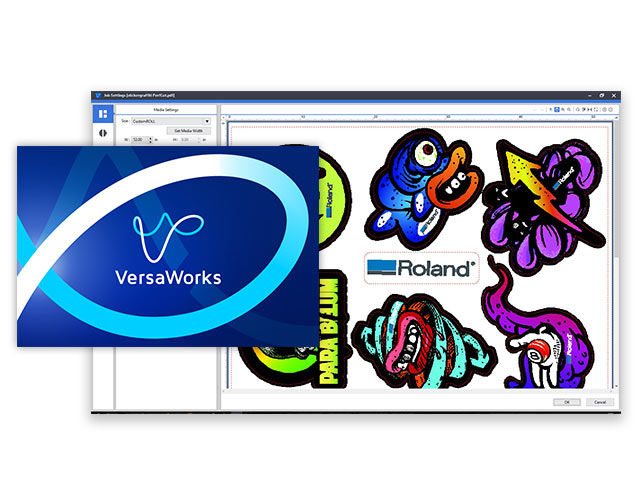
Búsqueda Versaworks6 Documents & Knowledge Base Articles
Expandir Todo | Desplegar Todo
Owner & User Manual ( 1 )
Sample Files ( 2 )
Training Videos ( 5 )
In these step-by-step help videos, we'll show you some of the most important features, panels, tools, settings, and preferences in the latest VersaWorks 6 RIP software from Roland DGA.
24 videos in this series.
45.25 KB
VersaWorks 6 allows you to have five separate queues with distinct settings applied to jobs automatically. Each queue offers unlimited saved settings, allowing you to store necessary print setting information.
47.92 KB
With VersaWorks 6, you can set-up a special color layer directly in the RIP along with fine adjustments to the position and size of a special color layer all performed in VersaWorks 6.
47.93 KB
VersaWorks 6 offers an easy-to-use color matching function to ensure consistent color between multiple same-model printers when using the same ink type.
41.35 KB
Roland VersaWorks 6 provides 64-bit native support to maximise performance from the latest 64-bit operating systems and to improve the processing capability of complicated data including complex vectors and multiple layers with ease and precision.
41.42 KB
Knowledge Base Articles ( 12 )
Can you connect more than one cutter to the same copy of VersaWorks?
Steps to uninstall VersaWorks 6.
Manage your print output with the latest edition of the world’s most popular RIP software.
This is a great time saving tip for users who utilize multiple queues for their production workflow. This function is great when you have multiple jobs going to the same printer using the same media and quality settings.
This article assists users with overcoming a corrupted file error in VersaWorks 6 when importing files.
Workaround for users who cannot Drag and Drop files into VersaWorks 6.
VersaWorks in failing during installation. Error code indicates a missing ".dll" file.
FAQ with compatibility information regarding Windows and Roland VersaWorks 6. Includes information on Education installations.
When downloading the installation files to upgrade VersaWorks, a "File is Corrupted" error occurs.
Software License information for VersaWorks
What file formats are supported in Roland VersaWorks