
Rapid Prototyping Machines
Rapid Prototyping Solutions
Roland DG provides a selection of


The following items are just some of the rapid prototyping applications that are possible with Roland DG technology.
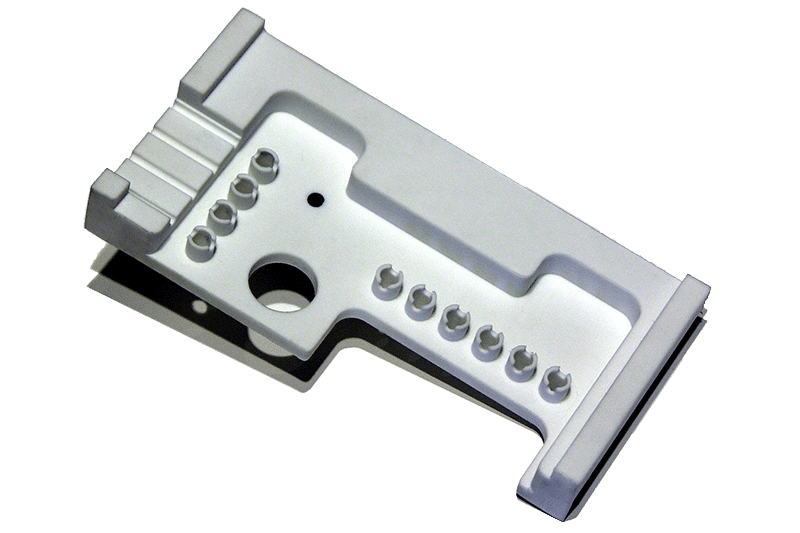
Metal Parts and Prototypes
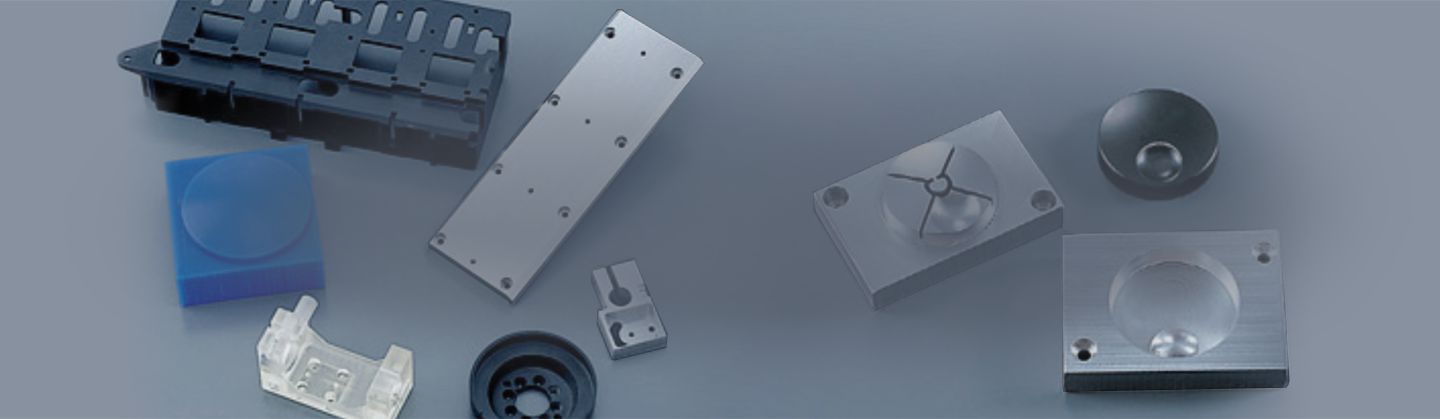
Roland DG CNC milling devices enable precision production of prototypes from aluminum, aluminum alloys, brass, zinc, tin and many more non-ferrous metals. Create snap-fit parts, models, tools, electronic parts, product designs and proof-of-concepts for thermal and structural trials.
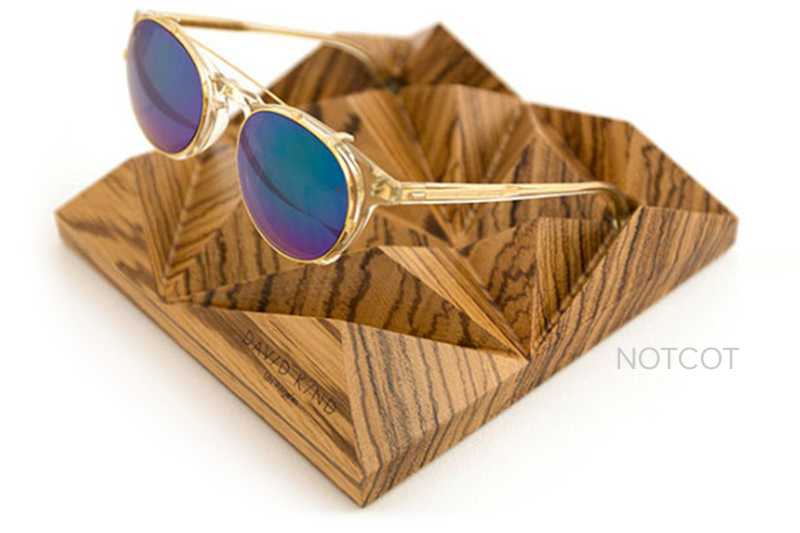
Wooden Prototypes
With high-precision Roland DG CNC milling technology, you can mill complicated wooden shapes and sculptural forms out of virtually any wood. Perfect for making industrial prototypes, Roland DG milling machines are also ideal for artistic applications, custom décor items, and limited edition toys and models.
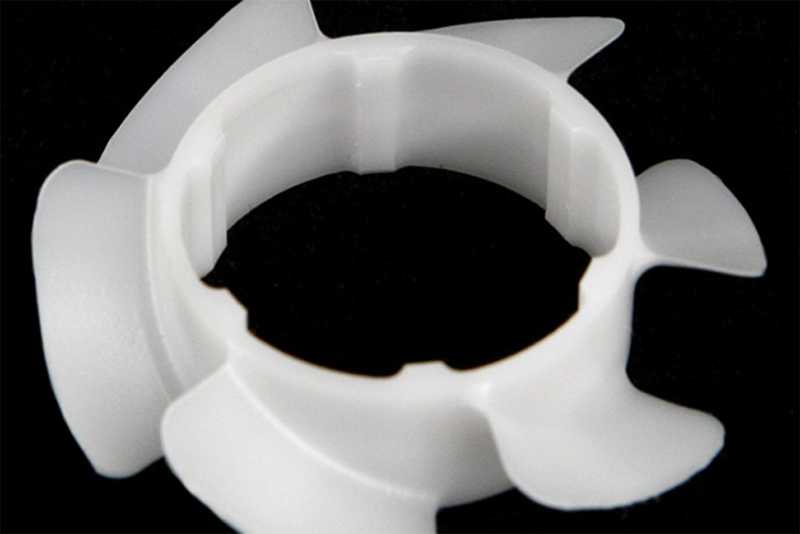
Plastic Prototypes
Acrylic, acetal, nylon and ABS are quickly and easily milled with Roland DG desktop and benchtop milling machines. Mill precision fan parts, gears, bearing blocks, tools and thousands more items for accurate proof of concepts. With hundreds of plastics to choose from, you can create limited edition toys, product prototypes, industrial prototypes, electrical parts and casings, models and so much more.
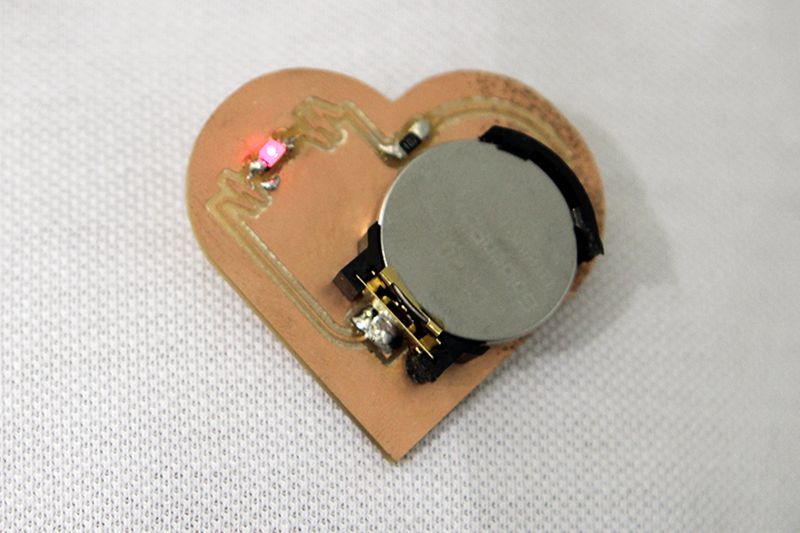
Circuit Boards
Copper clad, punchboard and other circuit board material can be easily milled with Roland DG CNC milling technology. Perfect for FabLab production and educational purposes, Roland DG’s compact milling machines provide a quick, cost-effective and easy-to-use solution.
Casts for Parts and Prototypes
For creating multiple parts and short run prototypes, Roland DG milling technology enables the casting of wax, plastic and metal for models, industrial parts, special edition toys, jewelry making, snap fit parts, and more.
3D Made Easy with Included Software
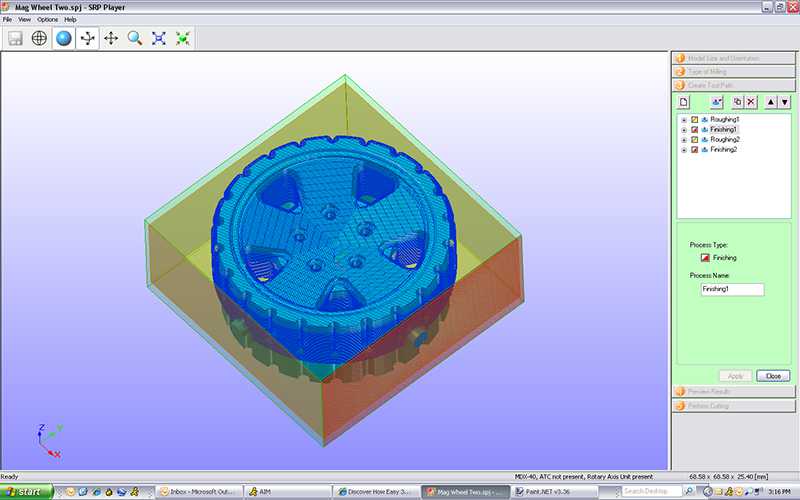
Roland DG milling machines come complete with SRP Player Software to prepare your CAD model for rapid prototype manufacturing, with no programming skills required. Roland DG also provides Player AM software for the monoFAB ARM-10 3D printer, offering simple drag and drop set up of print-ready 3D designs.
Related Videos


