Software
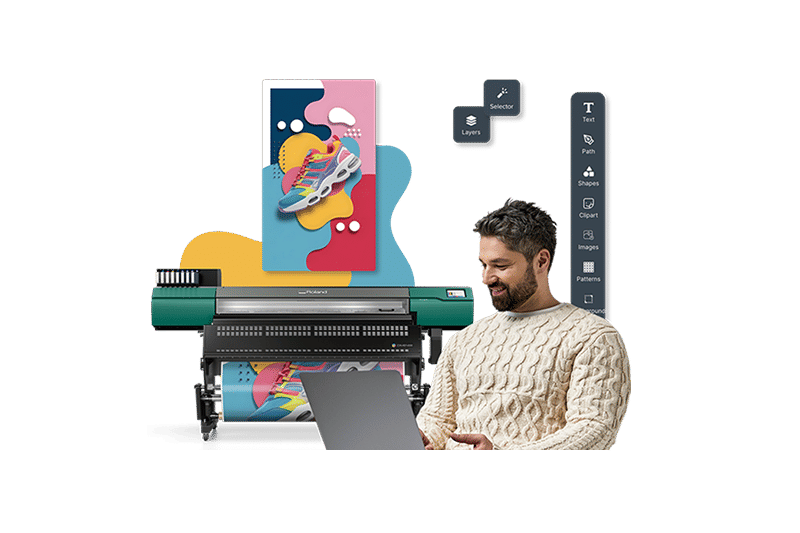
Roland DG Connect Designer Software
- Powerful, intuitive software that makes design creation quick and easy – even for novice users who may be unfamiliar with professional applications.
- Simplifies the design process and puts an extensive library of images, shapes, fonts, and illustrations at the user’s fingertips.
- Produces the necessary print settings automatically during the design phase, enabling printing to begin immediately once the job is sent to the printer.
- Allows for the unique functions of various printers to be incorporated into the design by utilizing “modules” specific to each device.
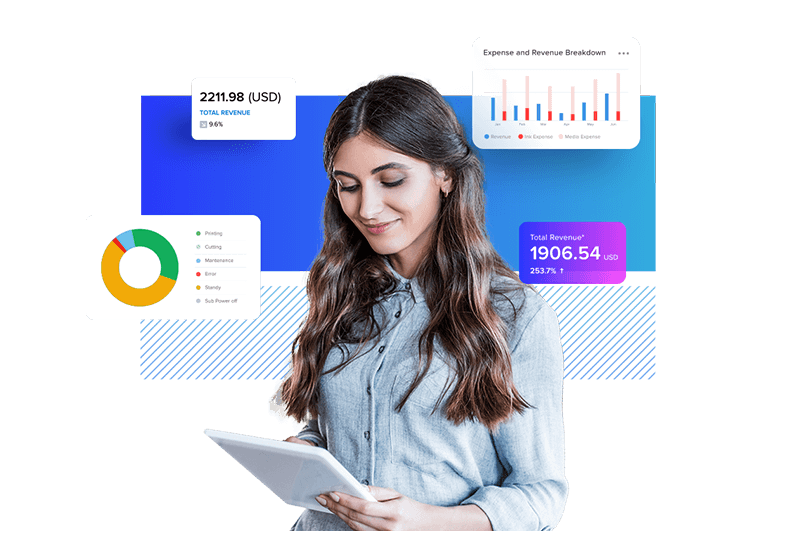
Roland DG Connect Platform
- A machine monitoring app to keep your printer running at “A-grade” performance
- See the status of ink levels, monitor print heads for manual cleaning frequency, view wiper lifetime and the levels of liquid waste
- Offers an easy-to-understand, color-coded dashboard for an instant view of your overall statistics
- Review the days and weeks print production with a job log and receive notifications for activity such as “feed motor error” and “print finish"
- Download from the App Store or Google Play to get production monitoring from your desktop and smart devices

VersaWorks 7 RIP Software
- Now anyone, even those with little or no printing experience, can achieve unparalleled print quality with simple operation.
- Provides outstanding processing capability, with a 62% increase in memory usage from the previous version, to boost your productivity and profitability.
- A variety of added features are included to improve your workflow efficiency.
- Can be customized with various modules to fit your needs.
- Available for both Windows OS and macOS.
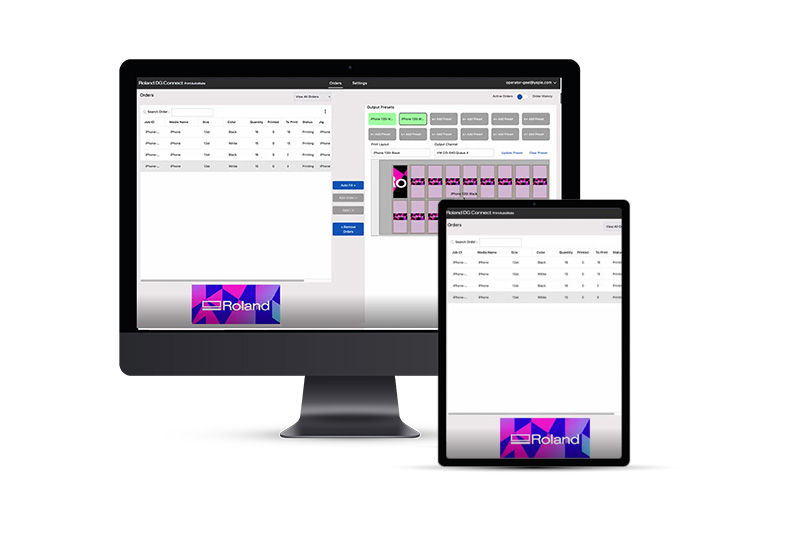
PrintAutoMate
- A cloud-based workflow service that takes the complexity out of printing with jigs
- Streamline your print workflow, giving you more time to grow your business
- Automate the mapping of incoming print jobs to jigs and devices
- Reduce manual steps in your print process, lowering error rates and costs
- Track your orders from start to finish to ensure a smooth production process